
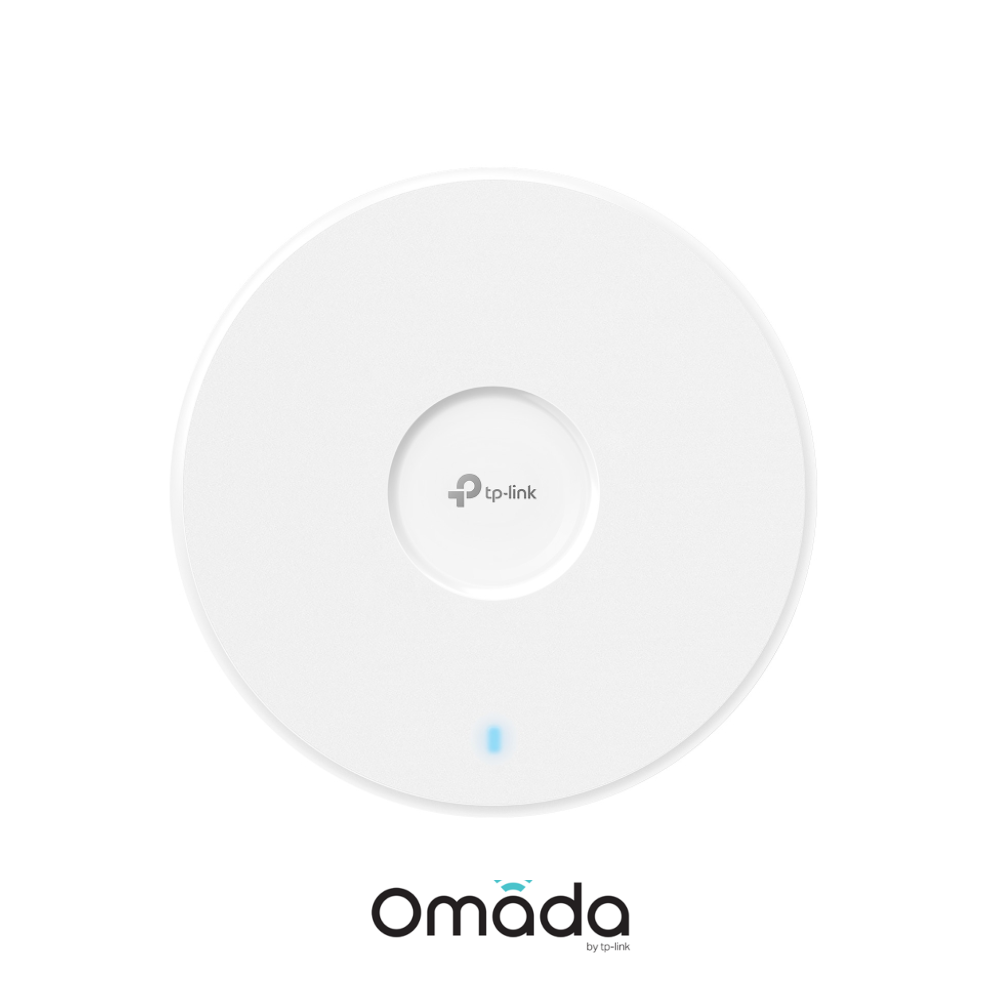
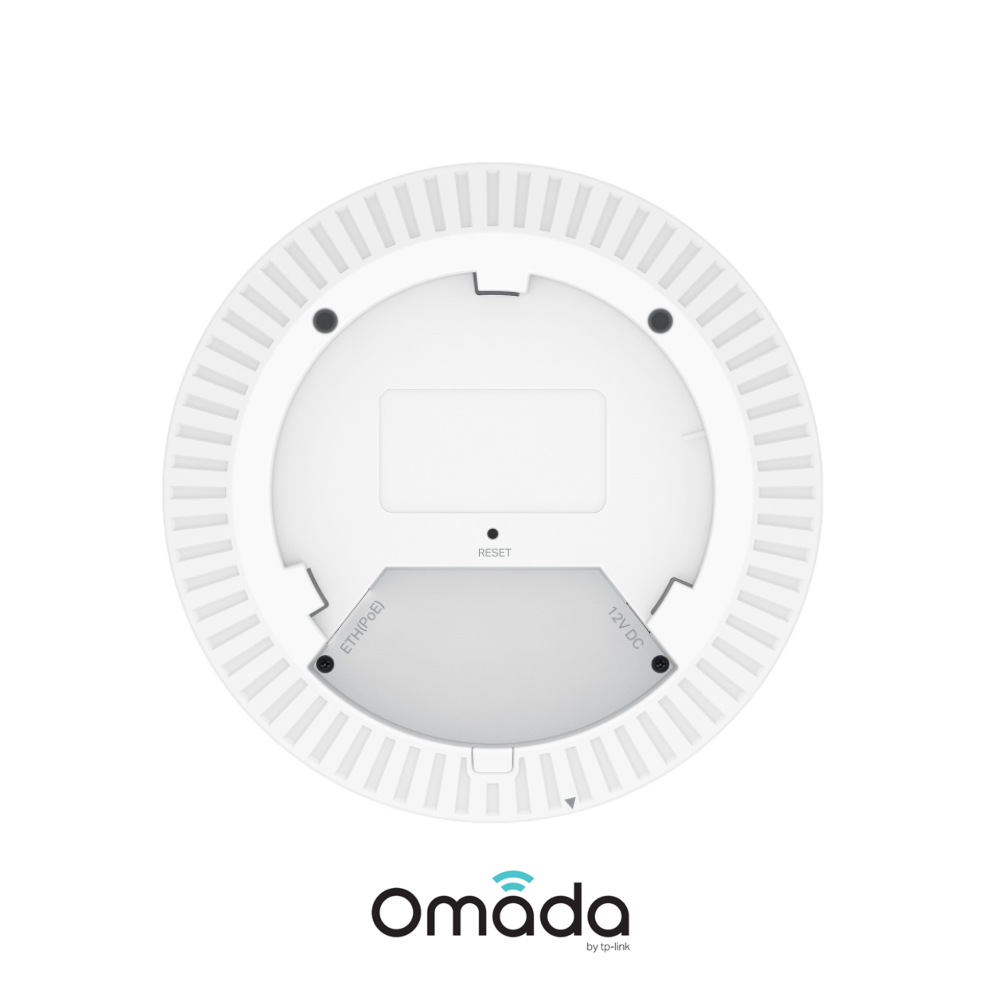
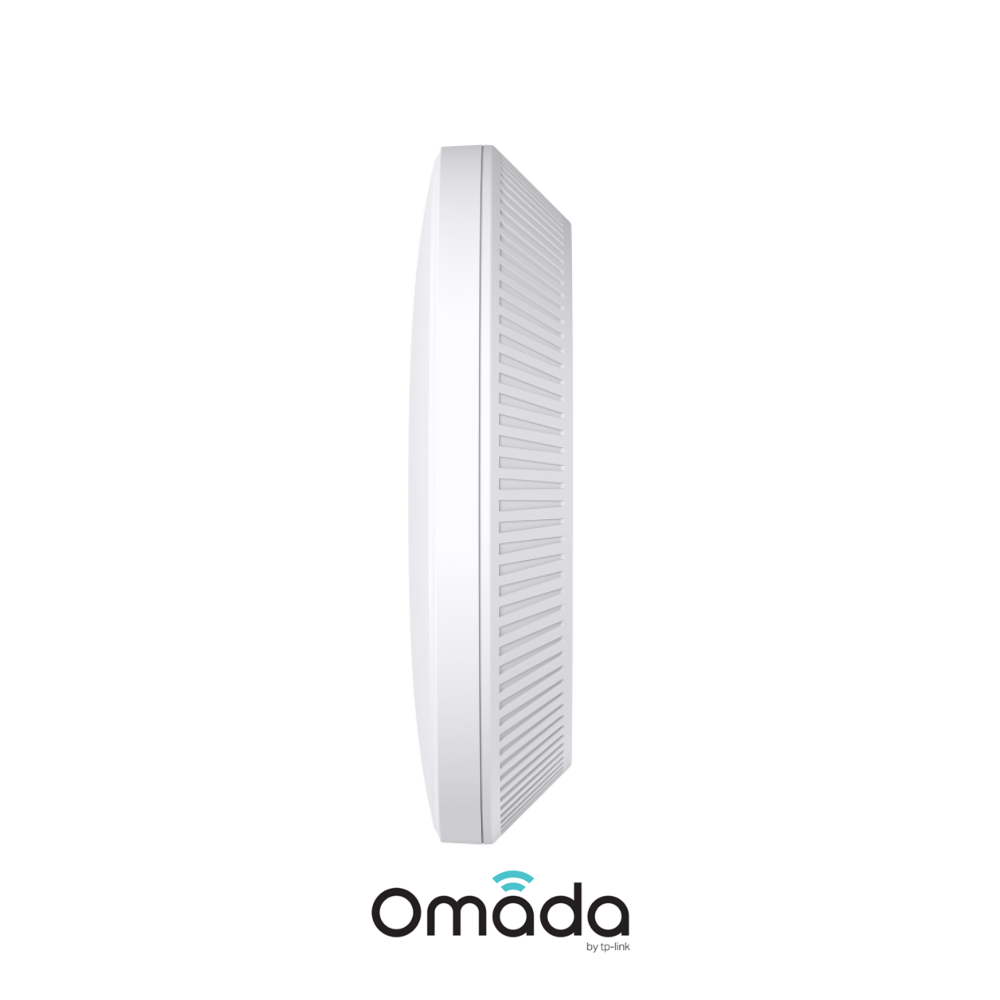
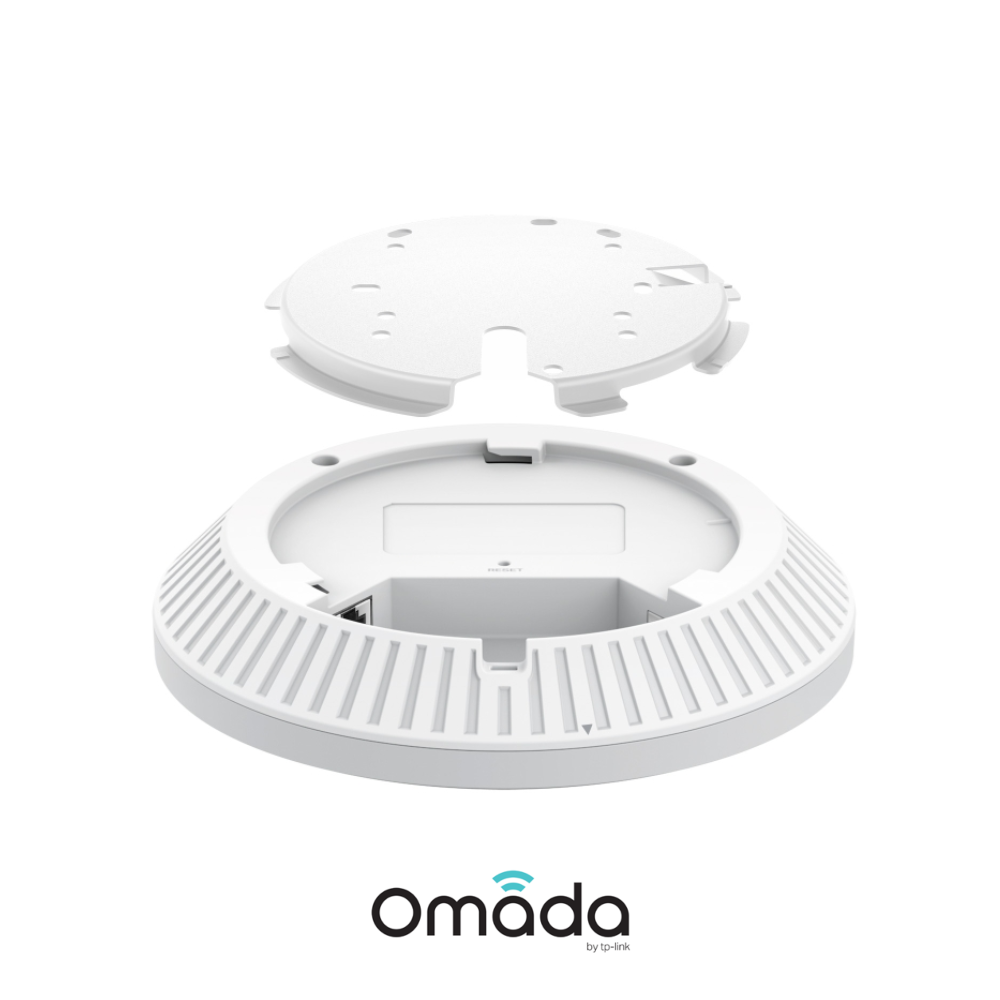
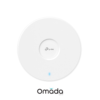
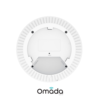
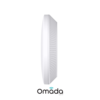
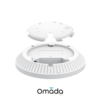
Omada Networks EAP723
Omada Networks EAP723 Dual-Band (5GHz + 2.4GHz) BE3600 Indoor WiFi 7 Wireless Access Point – Up To 3.6Gbps – Supports Omada EAP Mesh & Fast Roaming

Omada Networks EAP723 Dual-Band (5GHz + 2.4GHz) BE3600 Indoor WiFi 7 Wireless Access Point – Up To 3.6Gbps – Supports Omada EAP Mesh & Fast Roaming
Key Features :-
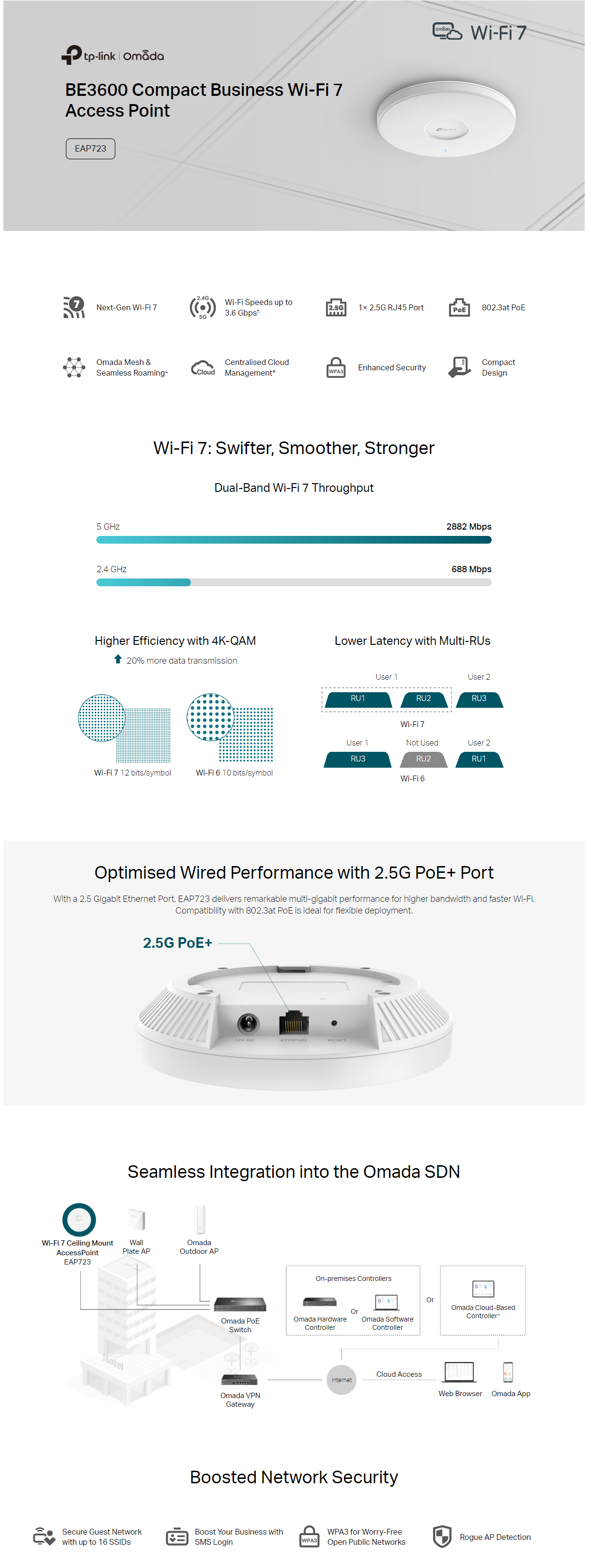
- BE3600 Dual-Band Wi-Fi 7 (2882 Mbps on 5 GHz + 688 Mbps on 2.4 GHz)
- 1× 2.5G port unlocks the full potential of Wi-Fi 7
- 160 MHz bandwidth enables many more simultaneous transmissions
- Multi-Link Operation and Multi-RUs ensure the high performance of your network
- Advanced Functions: Centralized management, Mesh, and Seamless Roaming
- Supports Omada EAP Mesh: Allows Omada Access Points (EAPs) to connect wirelessly to each-other, extending WiFi coverage without requiring Ethernet cables for every node.
- Supports Fast Roaming: Enables wireless devices to switch between APs quickly and seamlessly also preventing connection drops during transitions ensuring a strong stanle signal.
- Note* – PoE Injector sold separately
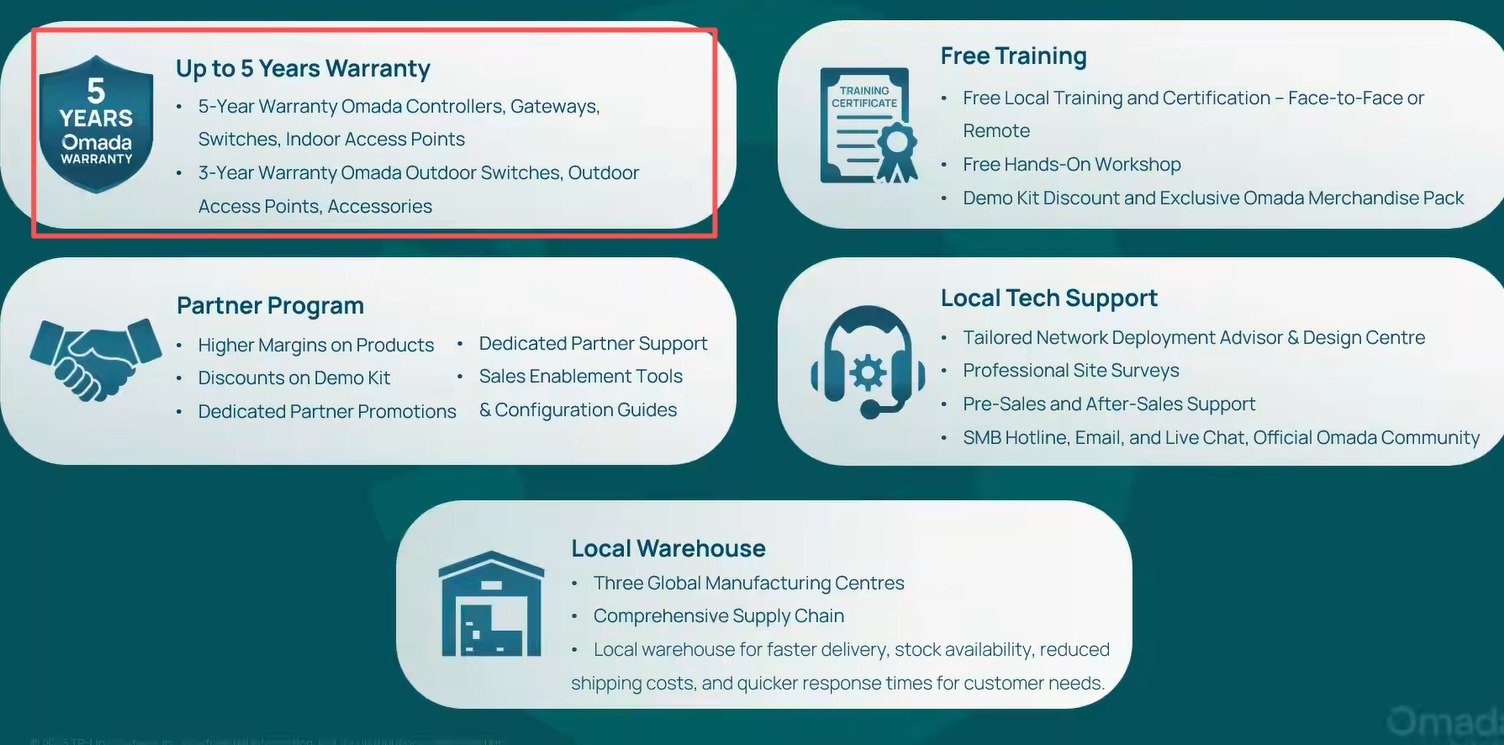
- 5 years limited b2b warranty


| HARDWARE FEATURES | |
|---|---|
| Interface | 1× 2.5G Ethernet Port |
| Button | Reset |
| Power Supply | 802.3at PoE or 12V/1.5A DC (Power Adapter Is Not Included) |
| Max. Power Consumption | • 16.8 W (For PoE); • 13.0 W (For DC) |
| Dimensions ( W x D x H ) | 6.3 × 6.3 × 1.4 in (160 × 160 × 36.7 mm) |
| Antenna | • 2.4 GHz: 2× 4.0 dBi • 5 GHz: 2× 5.0 dBi |
| Mounting | Ceiling / Wall / Junction Box Mounting (Kits Included) |
| WIRELESS FEATURES | |
|---|---|
| Coverage | 140㎡(1500 ft²)*** |
| Concurrent Clients | 250+** |
| Wireless Standards | IEEE 802.11 a/b/g/n/ac/ax/be |
| Frequency | 2.4 GHz and 5 GHz |
| Signal Rate | 688 Mbps (2.4 GHz) + 2882 Mbps (5 GHz) |
| Wireless Functions | • MLO‡ • 4K-QAM‡ • Seamless Roaming • EHT160‡ • Mesh△ • OFDMA‡ • Load Balance • Band Steering • Beamforming • Airtime Fairness • Multiple SSIDS:16(8 on each band) • Wireless Schedule • Reboot Schedule • QoS(WMM) • Rate Limit • Static IP/Dynamic IP • RADIUS Accounting • MAC Authentication |
| Wireless Security | • Captive Portal Authentication△ • Access Control • Maximum number of MAC Filter: 4,000 • Wireless Isolation Between Clients • VLAN • Rogue AP Detection • WPA-Personal/Enterprise, WPA2-Personal/Enterprise, WPA3-Personal/Enterprise |
| Transmission Power | < 20 dBm (2.4 GHz, EIRP) < 23 dBm (5 GHz, band 1&band 2, EIRP) < 28 dBm (5 GHz, band 3, EIRP) |
| Management Features | |
|---|---|
| Omada App | Yes |
| Centralized Management | • Omada Cloud-Based Controller • Omada Hardware Controller • Omada Software Controller |
| Cloud Access | Yes. Require the use of an Omada controller. |
| Email Alerts | Yes |
| LED ON/OFF Control | Yes |
| Management MAC Access Control | Yes |
| SNMP | v1, v2c, v3 |
| System Logging Local/Remote Syslog | Yes |
| Web-based Management | Yes |
| OTHERS | |
|---|---|
| Certification | CE, FCC, RoHS, IC |
| Package Content | • EAP723 • Installation Guide • Ceiling/Wall/Junction Box Mounting Kits Note: Power Adapter is NOT included. |
| Environment | • Operating Temperature: 0 °C–40 °C (32 °F–104 °F); • Storage Temperature: -40 °C–70 °C (-40 °F–158 °F); • Operating Humidity: 10%–90% non-condensing; • Storage Humidity: 5%–90% non-condensing; |
†Maximum wireless signal rates are the physical rates derived from IEEE Standard 802.11 specifications. The 160 MHz bandwidth is only available on the 5GHz band. It may be unavailable in some regions/countries due to regulatory restrictions. Actual wireless data throughput, wireless coverage, and connected devices are not guaranteed and will vary as a result of internet service provider factors, network conditions, client limitations, and environmental factors, including building materials, obstacles, volume and density of traffic, and client location.
‡Use of Wi-Fi 7 (802.11be) and features including 160 MHz Bandwidth, MLO, 4K-QAM, Multi-RUs, and OFDMA requires clients to also support the corresponding features.
**The actual capacity depends on the wireless environment and client traffic and is generally less than the maximum number of client connections.
***Coverage value is calculated based on laboratory testing. Actual coverage is not guaranteed and will vary as a result of client limitations and environmental factors.
△Omada Mesh, Seamless Roaming, Captive Portal, and Cloud Access require the use of an Omada SDN controller. Please refer to the User Guides of Omada SDN controllers for configuration methods.
How to Setup and Configure TP-Link Omada EAP Mesh
TP-Link Omada Support Articles
Key Reasons to Choose Omada Networks
1. Centralized Management
Omada’s Software Defined Networking (SDN) platform allows you to manage routers, switches, and wireless access points from a single dashboard instead of configuring each device separately.
2. Cloud-Based Monitoring
You can remotely monitor and manage customer sites from anywhere using the Omada cloud platform and mobile app, making it ideal for MSPs and IT providers.
3. No Ongoing License Fees
Unlike some enterprise networking brands, Omada offers cloud management without recurring per-device licensing costs, reducing long-term ownership expenses.
4. Easy Multi-Site Deployment
Zero-touch provisioning allows devices to be shipped directly to a site and automatically configured when connected to the internet. This is particularly useful for chain stores, schools, and distributed businesses.
5. Complete Ecosystem
Omada offers:
- Security gateways/routers
- Managed PoE switches
- Indoor Wi-Fi access points
- Outdoor Wi-Fi access points
- Hardware controllers
- Software controllers
All devices integrate into a single management platform.
6. Strong Wi-Fi Performance
Modern Omada access points support:
- Wi-Fi 6
- Wi-Fi 6E
- Wi-Fi 7
- Seamless roaming
- Mesh networking
- High-density client environments
This makes them suitable for offices, schools, hotels, and apartment complexes.
7. Advanced Business Features
Omada supports:
- VLANs
- Guest networks
- VPNs
- Access Control Lists (ACLs)
- 802.1X authentication
- Traffic monitoring
- QoS
- Network segmentation
These features are important for cybersecurity and network performance.
8. Excellent Value for Money
Many installers compare Omada with:
- Ubiquiti
- Grandstream
- Cisco
- Aruba
Omada generally provides similar core SMB functionality at a lower hardware cost.
For Security & IT Professionals
Since you work with surveillance and IT systems, Omada is particularly attractive because:
- PoE switches can power IP cameras, access-control devices, intercoms, and APs.
- VLANs can isolate CCTV traffic from office networks.
- Remote management reduces support visits.
- Multi-site monitoring simplifies customer support.
- High-power PoE models support modern PTZ cameras and Wi-Fi bridges.
For many New Zealand installers, Omada is often the best balance of cost, features, and manageability, especially when compared with higher-priced enterprise networking brands.
TP-Link | Omada Introduction | Omada Business Networking Solutions
TP-Link Omada Business Solutions
Omada Design Hub Network Planning Tool — Free, Easy, and Intelligent